
Creator@criarjogothor
C
Rating—No ratings yet
CategoryNone listed
PlayersNone listed
ControllerNot supported
Desktop, Mobile landscape
About Sprite Animation Timeline
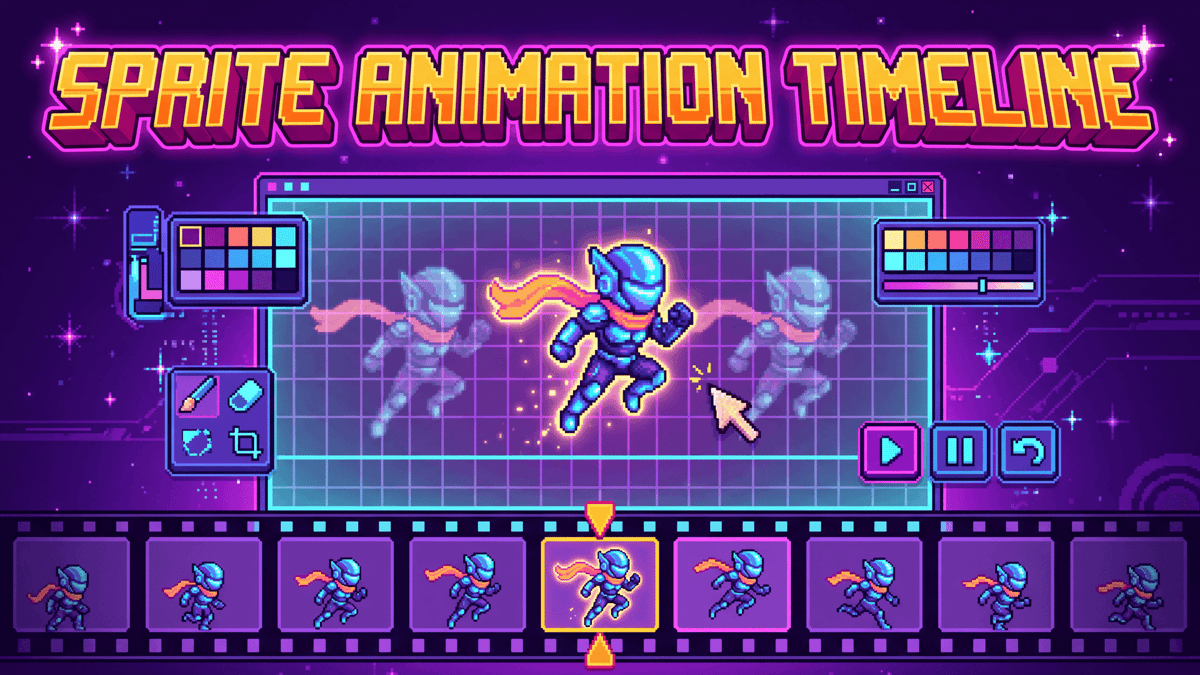
Create pixel sprite animations in a LibreSprite-style editor: menus, a tool box and a timeline with layers and frames.
What you can do
- Draw on a grid from 8×8 to 64×64 with pencil, eraser, fill, picker, line and rectangle.
- Work with several layers: show, hide, duplicate, reorder and delete.
- Add, duplicate, delete and move frames on the timeline (layers as rows, frames as columns).
- Set each frame's duration in milliseconds.
- Use zoom, grid, undo and redo.
- Preview the loop and use onion skin to see the previous frame.
- Export a PNG sprite sheet or a JSON file with the frames.
How to start
Pick a size in the Sprite menu, draw on the first frame and click + Frame to shape the motion. Use + Layer to separate parts of the drawing. Everything autosaves in this browser.
Shortcuts
Space plays, ←/→ change frame, ↑/↓ change layer, P/E/F/I/L/R pick tools, + and - zoom, Ctrl+Z undoes and Ctrl+Y redoes.
0 plays · Released October 8, 2026 · v1.1.0