Loading…
Loading…
A required part of the page failed to download. Try loading it again.
STYLESHEET_ERRORMake the game you want to play
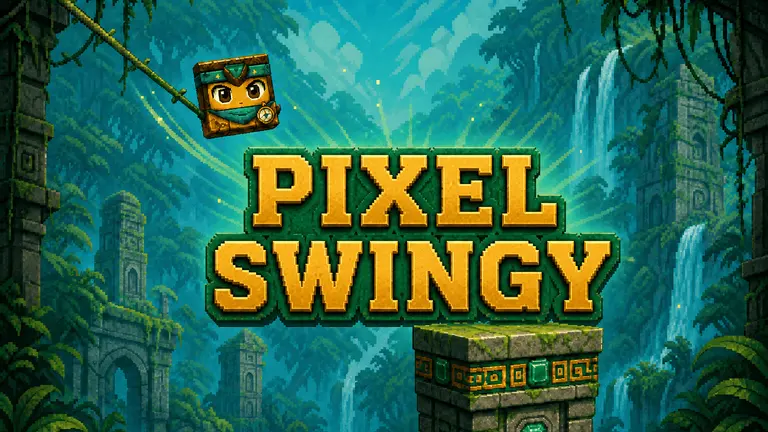
From prompt to playable
PlayDrop is a free AI game maker that turns your idea into a playable browser game. No code or installation needed.
Start with a sentence. Add the genre, rules, art style, or any detail you already have in mind.
PlayDrop creates the game, then lets you test it and ask for changes from the same workspace.
Open the game in your browser and share one link when it is ready for other people to play.
Real creator example
Red Dome Outpost was created in PlayDrop, playtested in the browser, improved through chat, prepared for release, and published on PlayDrop.
Questions before you create
What to know before you make, test, and publish a game with PlayDrop.

Tell PlayDrop what to make, follow the build in chat, and request changes without writing code.

Run the game inside PlayDrop Studio, keep chat beside it, and turn feedback into the next build.

Prepare the title, description, icon, hero art, and gameplay media before you publish.

Give players one PlayDrop link where they can discover and play the finished browser game.