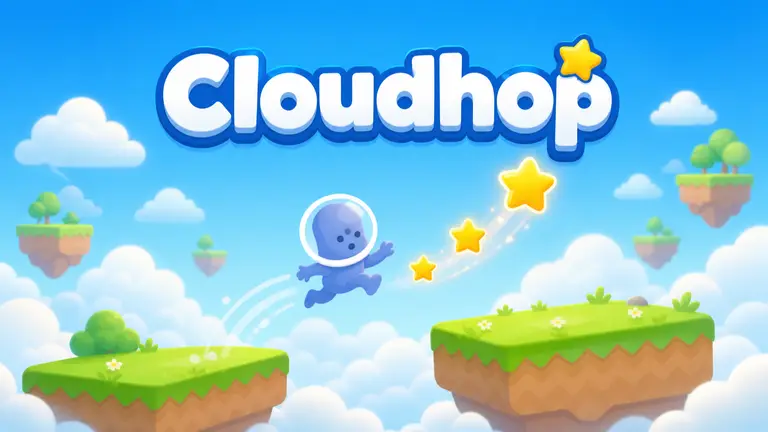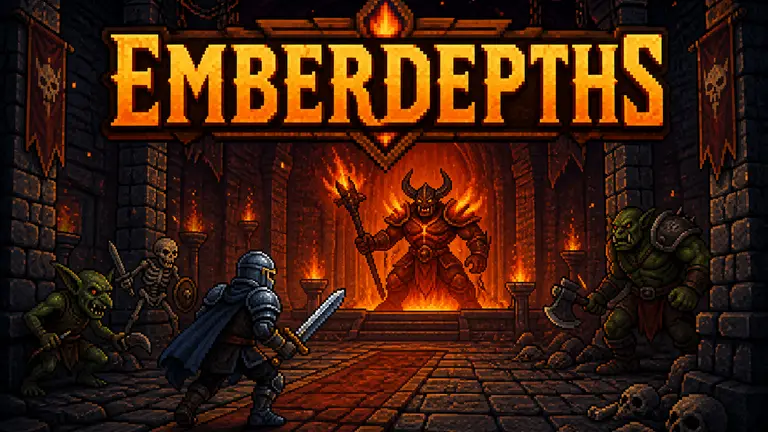
 Illustration
Create a 2D game with AI
Make a side-scroller, a top-down adventure or a compact arcade game. Start with a clear action and an art direction, then bring them together in Studio.
From idea to playable game
Pick one core action
Choose what the player does most: dodge, jump, match or explore. Specify the view, controls and a clear end to each round.
Describe readable art
Choose a visual style and distinguish the player, obstacles and goals. Request useful feedback for hits, pickups and progress.
Finish one playable loop
Test starting, playing, winning or losing, and restarting. Refine that loop in Studio before adding more levels or mechanics.
Create a top-down 2D arcade game where a courier collects parcels in a tiny city park. Move with arrow keys or WASD and deliver three parcels to matching mailboxes. Add moving puddles to avoid, clear item icons and a 60-second round with a restart button. Use a limited pixel-art palette, readable silhouettes and one compact screen. Show score and time without covering the play area.
Your questions, answered
What 2D game should I make first?
A single-screen arcade game, a short platformer or a small puzzle is a useful starting point. Pick one core action and make the entire start-to-restart loop playable.
Can I ask for pixel art or illustrated graphics?
Yes. Describe the style, palette and important visual differences in your prompt. Check the resulting game for readable characters, obstacles and interface elements, then request targeted revisions.
How do I create and publish a game with PlayDrop?
Describe your idea in the prompt box. PlayDrop builds it in the cloud, and you continue in Studio to playtest and request changes. Auto publish is on by default, so review that setting and share the link to your published game.
What are the creation limits?
Creation and revisions use the allowance available on your account. Check your current plan and credits before starting a larger project. Begin with one playable scene, then expand after testing it.