 Illustration
Create a simulation game with AI
Build a small world where choices have consequences. Define what players manage, how time passes and what success looks like, then balance it by playing.
From idea to playable game
Sketch the resource loop
Name the resources, how players earn and spend them, and the goal. Start with two or three connected actions instead of an entire economy.
Make the system visible
Request clear costs, timers and feedback. Explain whether time runs continuously, advances by turn or pauses with the game.
Balance a complete session
Play from the starting state to the goal. Check for dead ends, runaway rewards and long waits, then adjust one cost or timer at a time.
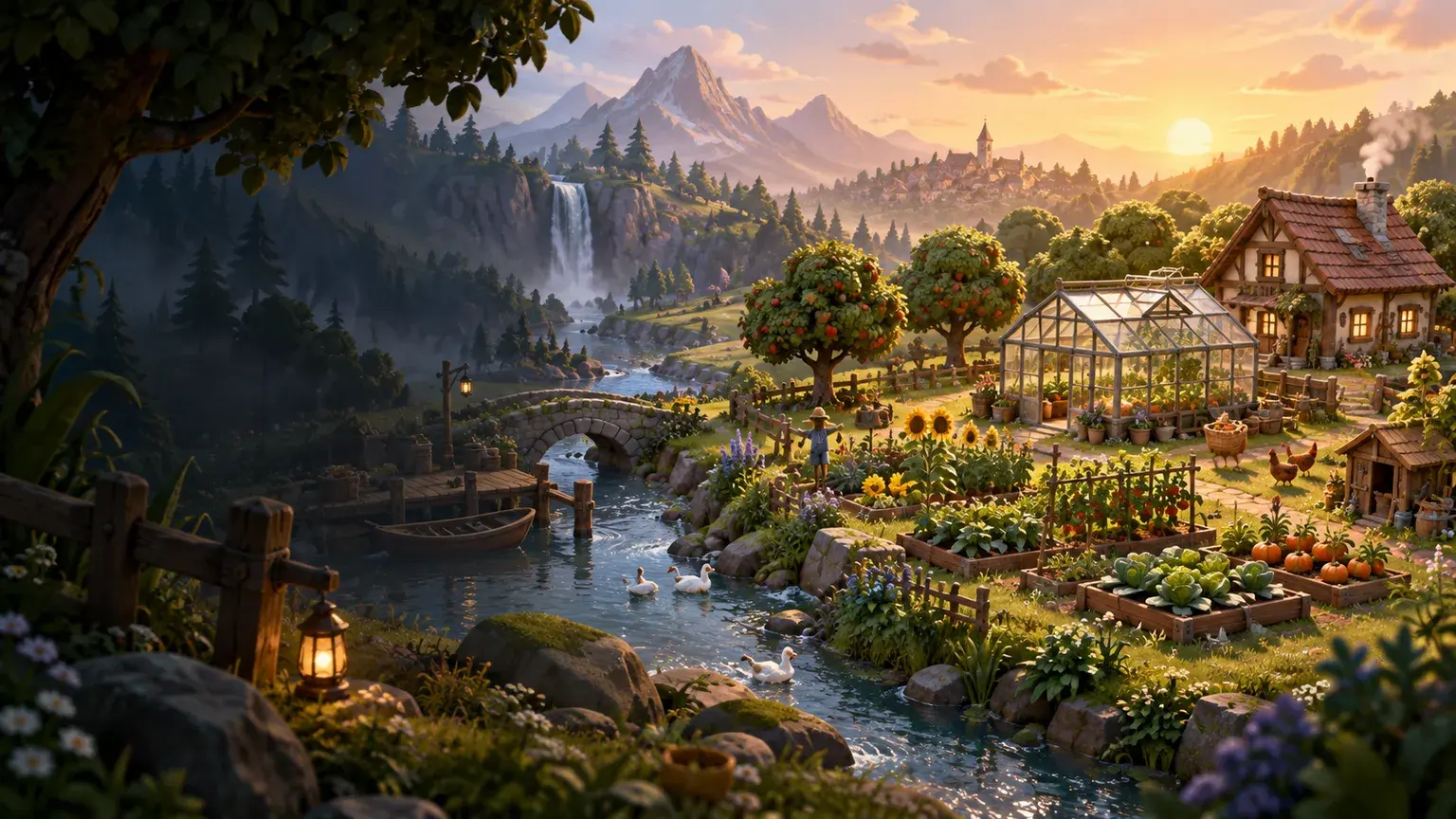
Create a cozy 2D greenhouse management simulation. Players click to plant seeds, water crops and sell the harvest. Start with four plots, two crop types and a visible day counter. Show costs and growth time before each action. Include a simple goal of earning 100 coins, a pause control and a new-game button. Use warm illustrated art and keep the first version to one short session with no offline progress.
Your questions, answered
What is a good first simulation game?
A small shop, garden or resource-management game gives you a clear loop to test. Limit the first version to a few resources and one goal before adding buildings, characters or extra systems.
Can I include saves or offline progress?
Describe the persistence you need explicitly and verify it in the finished game. For a first prototype, a complete session without offline progression makes the economy easier to test; add and test persistence as a separate feature.
How do I create and publish a game with PlayDrop?
Describe your idea in the prompt box. PlayDrop builds it in the cloud, and you continue in Studio to playtest and request changes. Auto publish is on by default, so review that setting and share the link to your published game.
What are the creation limits?
Creation and revisions use the allowance available on your account. Check your current plan and credits before starting a larger project. Begin with one playable scene, then expand after testing it.