 Illustration
Create a racing game with AI
Design a track worth mastering. Describe the vehicle, handling and race objective, then test and adjust each corner in Studio.
From idea to playable game
Choose the handling
Describe an arcade or more deliberate driving feel, the camera angle and the controls. Keep the first vehicle and track simple.
Define a valid lap
Specify checkpoint order, the finish line and timer behavior. Include a way to recover when the vehicle leaves the track.
Drive every corner
Test steering at low and high speed, collisions and shortcut attempts. Refine the track and handling before requesting more cars or opponents.
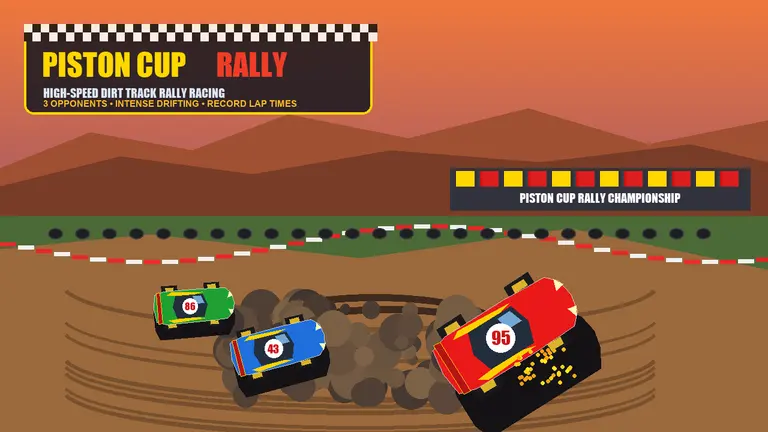
Create a top-down 2D arcade racing game on a coastal circuit. Use arrow keys or WASD to accelerate, brake and steer. Build one track with three ordered checkpoints, a lap timer and a personal best shown during the session. Add off-road slowdown, a reset-to-track button and clear track borders. Use bright miniature-car art. Focus on a satisfying solo time trial before adding opponents.
Your questions, answered
Should my first racing game be 2D or 3D?
A top-down 2D time trial is a manageable starting point for testing handling and lap rules. Choose 3D when the camera, depth and vehicle movement are central to your idea, and start with one small track.
How do I prevent players from skipping the track?
Request ordered checkpoints and only count a lap after all of them are crossed. Test driving backward, cutting corners and resetting near the finish line.
How do I create and publish a game with PlayDrop?
Describe your idea in the prompt box. PlayDrop builds it in the cloud, and you continue in Studio to playtest and request changes. Auto publish is on by default, so review that setting and share the link to your published game.
What are the creation limits?
Creation and revisions use the allowance available on your account. Check your current plan and credits before starting a larger project. Begin with one playable scene, then expand after testing it.