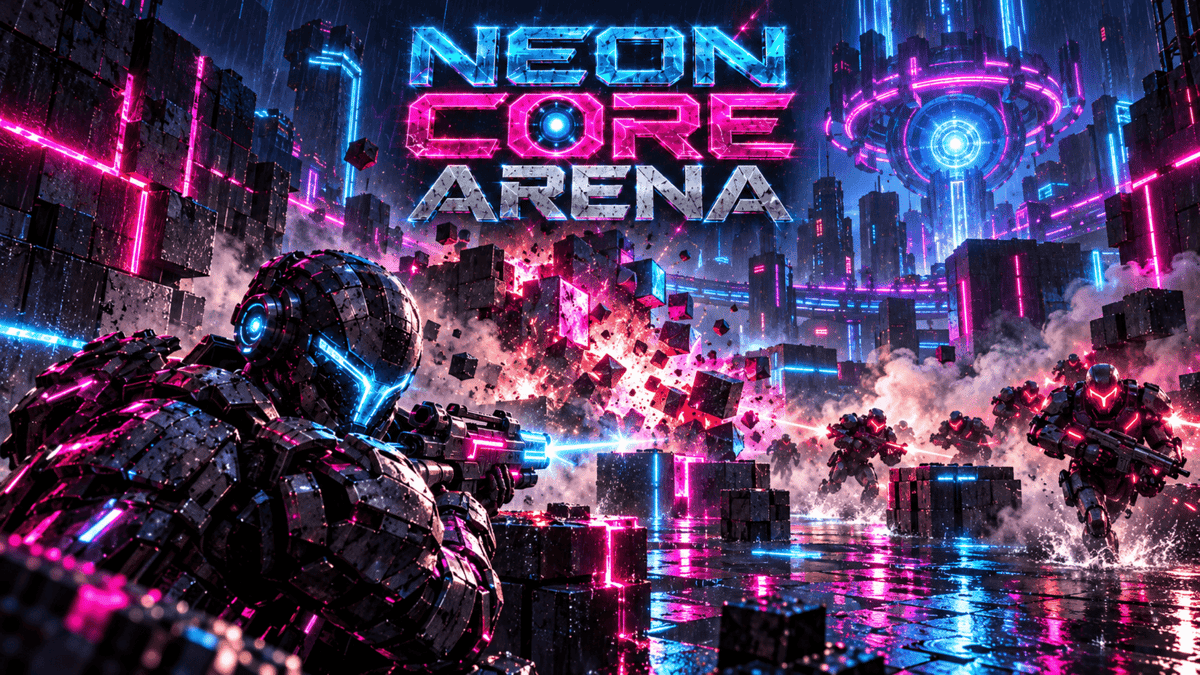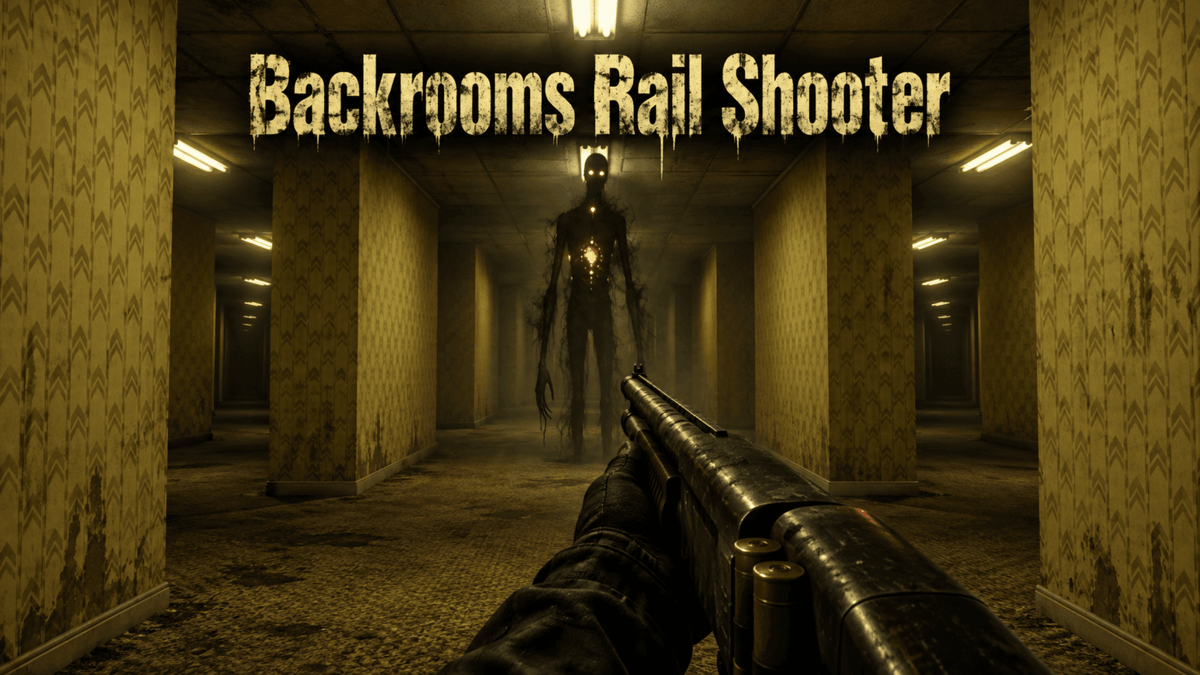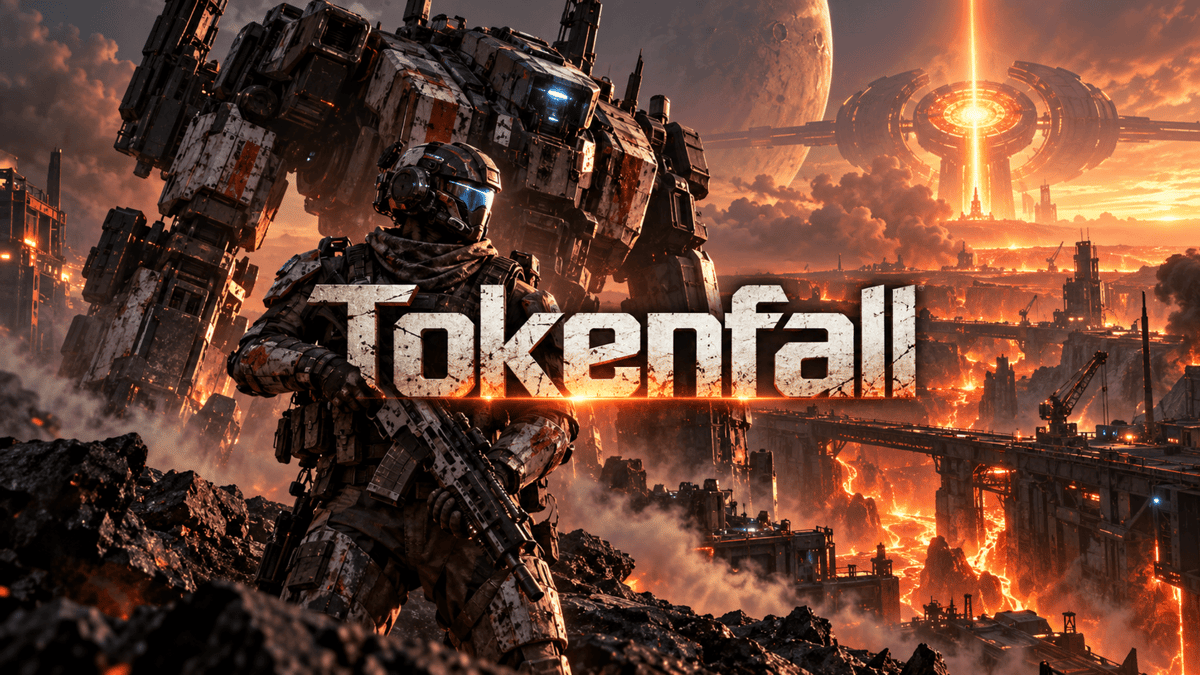
 Illustration
Create a first-person shooter with AI
Build a small space where looking, moving and aiming feel connected. Start with a clear mission and readable targets, then refine the controls before adding more weapons or larger arenas.
Example prompts
Create a first-person sci-fi target challenge inside one compact orbital training room. Use WASD to move, the mouse to look and click to fire energy bolts at moving drones, with a 90-second score goal. Add clear hit feedback, adjustable sensitivity and an Escape pause control that releases the mouse.
Create a mobile-friendly first-person defense game from a fixed rooftop lookout, where dragging a finger or mouse aims and a large button fires foam darts at balloon drones drifting toward a courtyard bell. Each drone climbs toward the bell at a different speed, and the six-dart magazine needs a short reload, so players must choose which drone to hit first. Friendly kites marked with a green stripe cost points if hit. Survive three short waves with the bell untouched, keep the camera steady and show a clear score with a retry button.
Create a small first-person arena mission where a maintenance pilot disables three rogue robots and activates a central relay. Use WASD to move, the mouse to aim, click to fire and E to activate the relay after the arena is safe. Make Escape pause and release the mouse. Give the robots slow visible projectiles, provide cover and make one short mission with a clear restart after defeat.
Make your first playable version
Define the first-person controls
Specify movement, camera look, aiming and firing. Include pause behavior and mouse release for desktop, or reachable movement and aiming controls for touch devices.
Build one readable encounter
Choose a compact arena with clear routes and a simple objective. Start with one weapon and a few targets or computer opponents so you can evaluate aim, movement and feedback together.
Test visibility and recovery
Check whether targets can be seen against the background and whether hits give clear feedback. Try corners, collisions, defeat and restart, then test performance on the devices you intend to support.
Questions before you create
Do I need online multiplayer for an FPS?
No. A target challenge or a small mission against computer-controlled opponents is a complete starting point. Online play adds its own requirements, so describe and test it separately after the basic controls and match rules work.
What should I request for first-person camera comfort?
Ask for adjustable sensitivity, restrained camera motion and a visible pause control. Test turning, aiming and movement together, and reduce camera shake or motion effects if they make the game difficult to follow.
Do I need to write code to start?
No. Describe your idea and PlayDrop builds a first playable version in Studio. Play it, then describe the next change you want.
Do I need an account, and what does creating cost?
You sign in before creating. Creation and revisions use credits, and the composer shows the cost before you confirm. Inserting an example only fills the composer; nothing starts until you submit.