Create a card or board game with AI
Card and board games turn a few simple rules into big decisions. Start with one deck or one board, a clear turn and a way to win, then add special cards, squares and rivals once a round plays well.
- Free credits every day
- No code, nothing to install
- One link to share
Each build or change uses credits, and Studio shows what each one costs. A free account gets 10 changes per game. Paying is optional.
Start small, then keep asking
Start with a short prompt, play what you get, then ask for one change at a time.
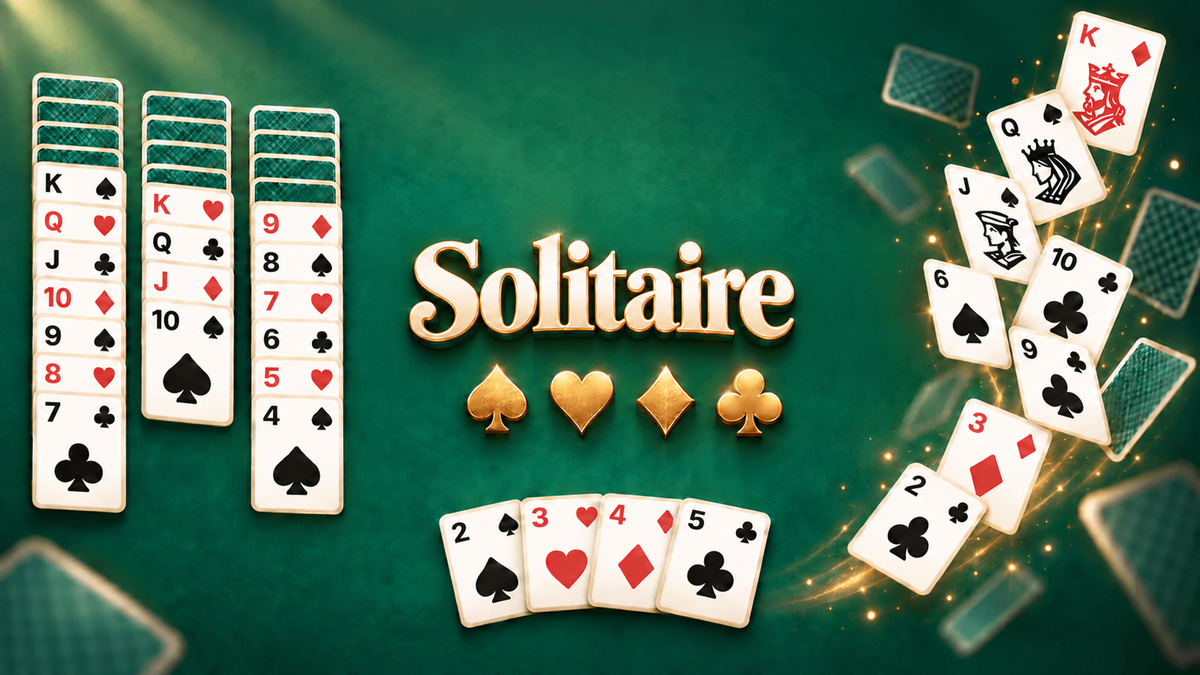
Make a lantern festival card game where I play a card one higher or lower than the top one. Three of one color in a row makes my rivals draw, and I race two computer players to empty my hand.
Use this prompt- Add a festival drum card that makes everyone pass one card to the player on their left.
- Fan my cards along the bottom of the screen and make them big enough to tap on a phone.
- Add achievements for making my rivals draw three times in one round and for winning three rounds in a row.
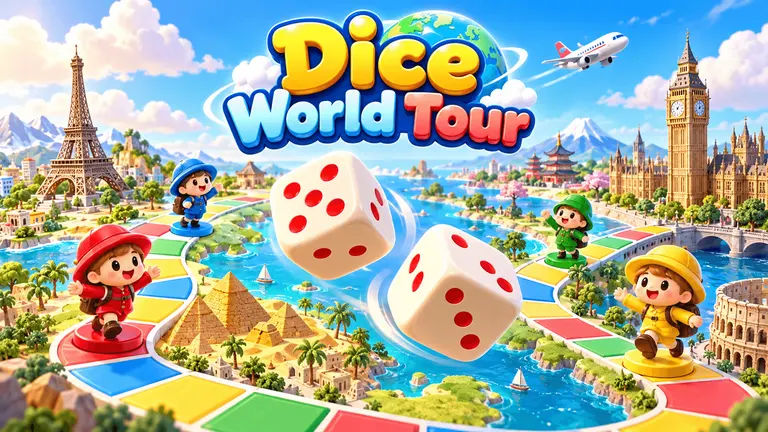
Make a jungle island board game where I tap to roll a die and move my explorer. Vines carry me up, waterfalls slide me back, and I must reach the volcano before three computer rivals.
Use this prompt- Add treasure squares that give me a card I can play to move again.
- Animate the die roll and make my explorer hop from square to square.
- Add a leaderboard for the fastest time to reach the volcano.
Make a one-on-one card duel between garden spirits. I pick 12 cards for my deck, spend sunlight each turn to play creatures and spells, and win by bringing the rival's health to zero.
Use this prompt- Let me win a new card after each duel and add it to my deck.
- Add an easy and a hard computer rival, and make the cards I can afford to play glow.
- Make it a two-player turn-based duel so a friend can play a turn when they have time.
Why PlayDrop
What PlayDrop adds to your card or board game
Card and board games are best with people around the table, so ask for ways to play with friends and a score worth beating.
Your move, when you're ready
Ask for a two-player turn-based game and each friend plays a turn when they have time, once the game is Public. PlayDrop remembers whose turn it is.
Try thisLearn moreMake it a two-player board game where each friend moves when they have time.
Game night with online friends
Ask for an online party and 2 to 4 signed-in friends join the same table, each on their own device. For party voice, the host turns it on and each app must support it.
Try thisLearn moreAdd a live online party so two to four friends play the same round.
One board on one screen
Ask for a local party and friends gather around one computer or tablet screen, each with a phone or a gamepad as the controller.
Try thisLearn moreAdd a local party with the board on one shared screen and phones as controllers.
Leaderboards for the fastest wins
Ask for a leaderboard and PlayDrop keeps each player's best score or best time, such as the fastest solitaire win or the highest score in a match.
Try thisLearn moreAdd a leaderboard for the fastest win against the computer.
Saved progress that follows a player between devices, online parties and online multiplayer are for signed-in players. For party voice, the host turns it on and each player's app must support it; a player allows the microphone to speak. A game plays on the devices it supports: ask for touch controls to play it on phones. A Public game can be listed on PlayDrop and by search engines: a listing and players are not promised.
Everything PlayDrop adds to your game
AI writes the game. PlayDrop hosts it, can list it for players once it is Public, and can add saves, leaderboards and play with friends when you ask.
Free hosting, one link
PlayDrop hosts your game free on its own page, with one link that stays the same through every update.
Cross-platform play
Your game plays in a browser with nothing to install, on the devices it supports (phones, computers or both), and in the PlayDrop apps for iOS, Android, Windows and macOS.
Cloud saves
Ask for saved progress and PlayDrop keeps it for each signed-in player, so it follows them between the website and the PlayDrop apps.
Score and time leaderboards
Ask for a leaderboard and PlayDrop keeps each player's best score or best time and shows the top ranks.
Score challenges for friends
Ask for a score challenge and players can send a friend a card with their score to beat, once the game is Public.
Turns with a friend
Ask for a two-player turn-based game and each friend plays a turn when they have time, once the game is Public.
Live party with voice chat
Ask for an online party and 2 to 4 signed-in friends arrive in the same match, each on their own device. For party voice, the host turns it on and each player's app must support it; a player allows the microphone to speak.
Local party on one screen
Ask for a local party and friends play together on one computer or tablet screen, with gamepads or phones as controllers.
Achievements to earn
Ask for achievements and your game marks the goals players reach, each with an icon and a description on PlayDrop.
Finding players
A Public game can appear on PlayDrop's Home, genre pages and search, and in search engines. Being Public does not promise a listing or players.
PlayTrade: feedback from creators
On PlayTrade you play another creator's game and can review it. Qualifying plays earn return plays for your game, and players can leave a review.
Ratings, comments and tips
Players can like, comment on and review your game with a thumbs up or down. Tips come to you in full as credits; with Plus or Pro they are paid out, except tips from players you invited.
Ads and in-game purchases
Ask for in-game ads or purchases and your game can earn you credits; players pay for purchases with PlayDrop credits. Earnings are paid out when you have Plus or Pro.
Easy sharing, with video clips
Your link shows the game's art when shared, and you can ask for a button that shares a score, image or short clip.
Game server for multiplayer
Ask for online multiplayer and PlayDrop runs your game's server, with rooms of up to 8 signed-in players.
Stats for your game
See your game's plays, likes and comments, and read what players write about it.
PlayDrop is free. Making games with AI is free too.
The account is free, hosting is free (a free account holds 10 games and 1 GB) and players play free. Making games with PlayDrop AI is free too: you claim free credits every day and spend them on builds and changes.
Each build or change uses credits, and Studio shows what each one costs. A free account gets 10 changes per game. Paying is optional.
- Free account and free hosting
- Free credits to claim every day
- Free to play, nothing to install
Make your first playable version
Write the rules in a few lines
Say what is in the deck or on the board, what a player does on a turn and how a round is won. Keep the first version to one deck or one board.
Test the rules against the computer
Ask for one or two computer players that follow the same rules, so you can play every turn alone. Add an easy and a hard level once the rules feel right.
Make every turn easy to read
Show whose turn it is, which cards or moves are allowed and what just happened. Play a full round yourself, then fix the first rule that confused you.
Questions before you create
Can I play my card or board game against the computer?
Yes. Ask for computer players in your prompt, and PlayDrop AI writes them into your game: say how they should play, such as always grab the best card, take risks or play it safe. Ask for an easy and a hard level so new players can win a few rounds first. You can also ask for two players taking turns on the same device.
How big should my first version be?
Small. One deck of about 30 cards or one board of about 40 squares, two to four players and one way to win is enough to see if the game is fun. Play a full round, fix what feels slow or unfair, then add new cards, squares or rules one change at a time.
Can I make a game like Uno?
Yes. Describe the mechanics you like: match the color or number of the top card, play action cards that skip a player or make them draw, and race to empty your hand. Put them in your own world with your own cards, characters and name. PlayDrop is for original games, so leave out another game's characters, levels, names and art. Try: "A card game on a space station where I match the color or number of the top card, play cards that reverse the order and race three robots to empty my hand."
Do I need to write code to start?
No. Describe your idea and PlayDrop builds a first playable version in Studio. Play it, then describe the next change you want.
Is it free to make a game on PlayDrop?
Yes. A PlayDrop account is free and so is hosting, and you claim free credits every day to make games with PlayDrop AI. Each build or change uses credits, and Studio shows what each one costs. Free credits may not cover a build right away, and a free account gets 10 changes per game. Paying is optional. You sign in before creating. Inserting an example only fills the prompt box; nothing starts until you send it.