Create a tower defense game with AI
Tower defense is fun because every choice shows on the map: where you build, what you upgrade and when you save gold for the next wave. Start with one path, two towers and a few waves, then add tougher enemies and a boss once the first waves feel fair.
- Free credits every day
- No code, nothing to install
- One link to share
Each build or change uses credits, and Studio shows what each one costs. A free account gets 10 changes per game. Paying is optional.
Start small, then keep asking
Start with a short prompt, play what you get, then ask for one change at a time.
Make a tower defense game where snails crawl along a winding mushroom-forest path. I click to place and upgrade three kinds of towers and must stop ten waves before they reach the tree house.
Use this prompt- Add a wave of flying beetles that skip the path and that only one tower can hit.
- Show each tower's range as a circle before I place it, and play a thud when it fires.
- Add a leaderboard for the fastest time to clear all ten waves.
Make a lane defense game where ants march down five lanes of a kitchen counter. I tap falling sugar cubes to collect them, spend them to place kitchen gadgets on the grid and survive three waves.
Use this prompt- Add a pepper grinder that blocks one lane for a few seconds and then has to recharge.
- Make the first wave slow and show an arrow on the lane where the next ants will come from.
- Score points for every ant I stop and let me send my score to a friend as a challenge to beat.
Make a maze defense game on an open meadow. I click to place stone walls that make the slimes' route as long as possible, then put towers on my walls to stop eight waves before they reach the gate.
Use this prompt- Add a big slime that splits into two small ones when it is defeated.
- Show the slimes' route as a dotted line that updates every time I place a wall.
- Add achievements for clearing all eight waves with ten walls or fewer.
Why PlayDrop
What PlayDrop adds to your tower defense game
Tower defense players replay to last one more wave, so ask for ways to compare runs, challenge friends and keep what they unlock.
Leaderboards for waves survived
Your game can rank players by the most waves survived or the highest score, or by the fastest time to clear a map.
Try thisLearn moreAdd a leaderboard for the most waves survived.
Score challenges between friends
Ask for a score challenge and, once your game is Public, players can send a friend a card with their score to beat.
Try thisLearn moreAdd a score challenge so a friend can try to beat my score on this map.
Saved maps and tower upgrades
Ask for cloud saves and each signed-in player's unlocked maps and upgrades follow them between the website and the PlayDrop apps.
Try thisLearn moreAdd cloud saves for the maps I unlock and my best wave on each one.
Achievements for tough waves
A first boss beaten, a map cleared without losing a life, a win with one kind of tower: ask for achievements and players see them on PlayDrop.
Try thisLearn moreAdd achievements for beating the first boss and clearing a map without losing a life.
Saved progress that follows a player between devices, online parties and online multiplayer are for signed-in players. For party voice, the host turns it on and each player's app must support it; a player allows the microphone to speak. A game plays on the devices it supports: ask for touch controls to play it on phones. A Public game can be listed on PlayDrop and by search engines: a listing and players are not promised.
Everything PlayDrop adds to your game
AI writes the game. PlayDrop hosts it, can list it for players once it is Public, and can add saves, leaderboards and play with friends when you ask.
Free hosting, one link
PlayDrop hosts your game free on its own page, with one link that stays the same through every update.
Cross-platform play
Your game plays in a browser with nothing to install, on the devices it supports (phones, computers or both), and in the PlayDrop apps for iOS, Android, Windows and macOS.
Cloud saves
Ask for saved progress and PlayDrop keeps it for each signed-in player, so it follows them between the website and the PlayDrop apps.
Score and time leaderboards
Ask for a leaderboard and PlayDrop keeps each player's best score or best time and shows the top ranks.
Score challenges for friends
Ask for a score challenge and players can send a friend a card with their score to beat, once the game is Public.
Turns with a friend
Ask for a two-player turn-based game and each friend plays a turn when they have time, once the game is Public.
Live party with voice chat
Ask for an online party and 2 to 4 signed-in friends arrive in the same match, each on their own device. For party voice, the host turns it on and each player's app must support it; a player allows the microphone to speak.
Local party on one screen
Ask for a local party and friends play together on one computer or tablet screen, with gamepads or phones as controllers.
Achievements to earn
Ask for achievements and your game marks the goals players reach, each with an icon and a description on PlayDrop.
Finding players
A Public game can appear on PlayDrop's Home, genre pages and search, and in search engines. Being Public does not promise a listing or players.
PlayTrade: feedback from creators
On PlayTrade you play another creator's game and can review it. Qualifying plays earn return plays for your game, and players can leave a review.
Ratings, comments and tips
Players can like, comment on and review your game with a thumbs up or down. Tips come to you in full as credits; with Plus or Pro they are paid out, except tips from players you invited.
Ads and in-game purchases
Ask for in-game ads or purchases and your game can earn you credits; players pay for purchases with PlayDrop credits. Earnings are paid out when you have Plus or Pro.
Easy sharing, with video clips
Your link shows the game's art when shared, and you can ask for a button that shares a score, image or short clip.
Game server for multiplayer
Ask for online multiplayer and PlayDrop runs your game's server, with rooms of up to 8 signed-in players.
Stats for your game
See your game's plays, likes and comments, and read what players write about it.
PlayDrop is free. Making games with AI is free too.
The account is free, hosting is free (a free account holds 10 games and 1 GB) and players play free. Making games with PlayDrop AI is free too: you claim free credits every day and spend them on builds and changes.
Each build or change uses credits, and Studio shows what each one costs. A free account gets 10 changes per game. Paying is optional.
- Free account and free hosting
- Free credits to claim every day
- Free to play, nothing to install
Make your first playable version
Start with one path and one tower
Say where enemies walk, what they must not reach and where towers can go. Start with a single tower that shoots the nearest enemy, and make each hit easy to see.
Add waves and towers with different jobs
Describe three to five waves that grow a little each time, and two more towers that do different jobs, like slowing enemies or hitting a whole group. Give each tower a clear price.
Balance gold, upgrades and the boss
Play every wave yourself. Enemies should drop enough gold to build between waves, an upgrade should feel stronger right away, and the last wave should make you rethink your towers.
Questions before you create
What makes a tower defense game fun to play?
Choices that matter. Give each tower one clear job, like fast single shots, slow damage to a group or freezing, so players think about what to build and where. Then send enemies that need a different answer, such as armored, fast or flying ones, so the best plan changes from wave to wave.
What is the difference between path defense and lane defense?
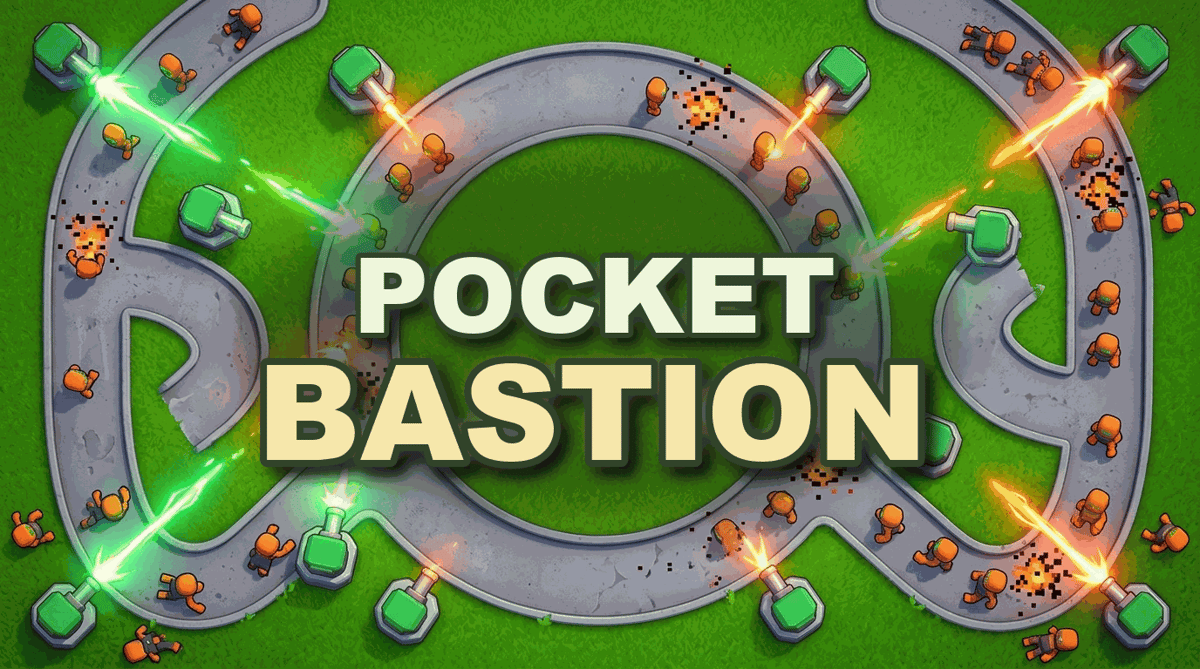
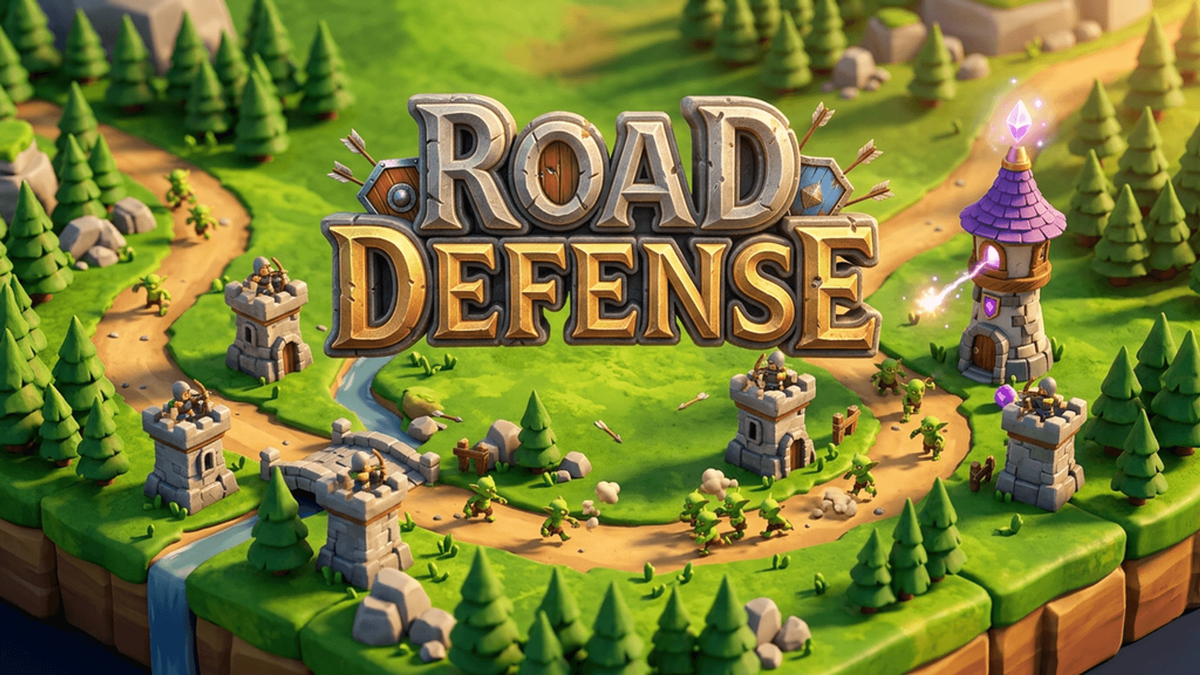
In path defense, enemies follow a road that winds across the map and you build towers beside it. In lane defense, enemies walk straight down several rows and you place defenders on a grid in their way, often paid for with a resource you collect during the fight. In maze defense, you build the path yourself with walls.
Can I make a game like Plants vs. Zombies?
Yes. Describe the mechanics you like: lanes on a grid, a resource that drops over time, defenders that each do one job and a few that work only once, like a mine or a freeze. Put them in your own world with your own characters and name. PlayDrop is for original games, so leave out another game's characters, levels, names and art. Try: "A lane defense game where toy soldiers guard five rows of a bedroom floor from wind-up mice, paid for with buttons that fall from a shelf."
Do I need to write code to start?
No. Describe your idea and PlayDrop builds a first playable version in Studio. Play it, then describe the next change you want.
Is it free to make a game on PlayDrop?
Yes. A PlayDrop account is free and so is hosting, and you claim free credits every day to make games with PlayDrop AI. Each build or change uses credits, and Studio shows what each one costs. Free credits may not cover a build right away, and a free account gets 10 changes per game. Paying is optional. You sign in before creating. Inserting an example only fills the prompt box; nothing starts until you send it.