
Desktop, Mobile landscape
About Claude of Duty
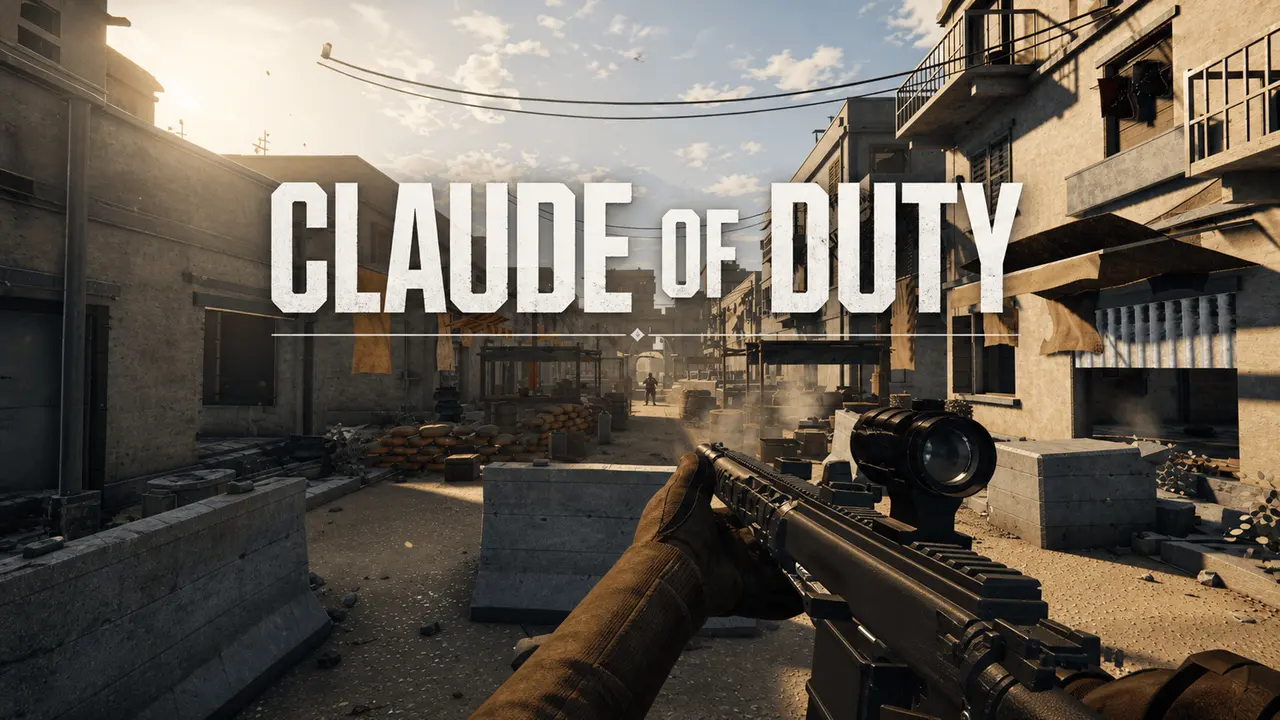
Hold a market street against waves of AI soldiers. Crates and stalls break under fire, and every sight and sound is generated from code. Play with keyboard, gamepad, or touch.
0 plays · Released August 29, 2026 · v1.0.2
How to play
Keyboard and mouse: Click anywhere to start. Move with WASD and aim with the mouse. Left click fires, right click aims down sights, R reloads, 1/2/3 picks a weapon, and G quick-throws a grenade. Shift sprints, Space jumps, Ctrl/C toggles crouch, Z toggles prone, and Q/E leans. B changes fire mode and I inspects your weapon. Esc pauses; click Resume to jump back in. If you go down, Retry Wave restarts the whole round fresh. Once every enemy is down, choose Next Wave for a tougher squad and a full restock. Command+Shift+D toggles performance diagnostics.
Standard gamepad (Xbox / PlayStation): Move with the left stick and aim with the right stick. A / Cross starts, jumps, resumes, and confirms Retry Wave or Next Wave. RT / R2 fires, LT / L2 aims down sights, X / Square reloads, Y / Triangle cycles weapons, RB / R1 quick-throws a grenade, and B / Circle toggles crouch. Hold L3 to sprint. D-pad down toggles prone, D-pad left/right leans, LB / L1 changes fire mode, and R3 inspects your weapon. Menu / Options pauses or resumes, and A / Cross or B / Circle also resumes. An empty weapon reloads on its own while you still have reserve ammo. The on-screen hints match whichever input you're using, and the game pauses itself if your controller disconnects.
Mobile touch (landscape): Tap anywhere to start. Touch the empty left half of the screen to place a floating movement stick: drag to move, push past its ring to sprint, and let go to hide it. Swipe the right half to look around. Your weapon auto-fires at living enemies under the crosshair whenever the barrel is also clear, and ammo, recoil, spread, and travelling bullets all still apply. Tap a weapon slot to equip it, or to reload. toggles the sights, and Aim, Grenade, Jump, and Crouch sit in a staggered arc under your right thumb. Tap , or hold it to toggle prone. Tap , , or / whenever you need them. Turning to portrait pauses the game and asks you to rotate back. Leaning, fire-mode switching, and weapon inspection stay on keyboard and gamepad.
Tags