
Desktop, Mobile landscape
About Sakura Brick Football
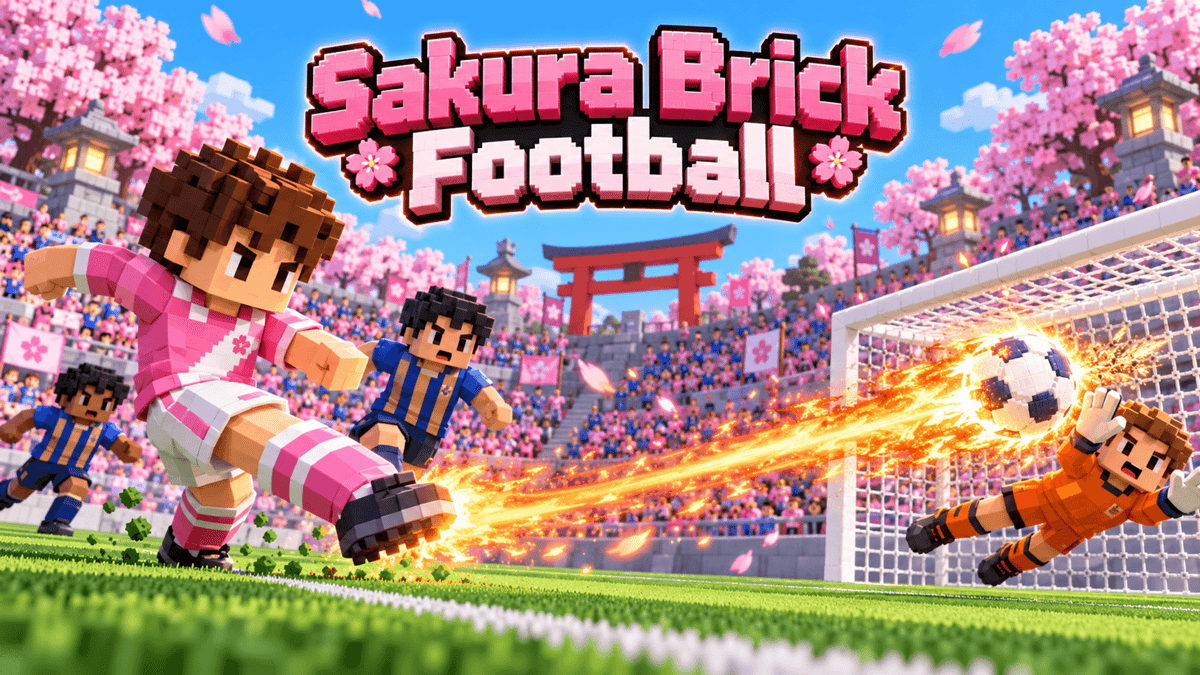
Hold shoot, set the ball on fire and blast it straight through the keeper.
Sakura Brick Football is fast, friendly voxel football in a cherry-blossom stadium. Play solo against the computer, or team up with friends: up to 4 players together on one screen or online. Each side fields five footballers, and computer players fill every spot no human takes, so every match is a full game whether you play alone or as a group.
Fireball shots: while you dribble, keep holding shoot past full power and the ball catches fire. Release it and no keeper can stop it, but aim still matters: it can fly wide, sail over or hit the post. Charging slows you down, so defenders can tackle you before you shoot, and your team has to wait a little before its next fireball.
Matches last about 2.5 minutes, with an instant rematch at the final whistle. Each team colour comes with its own pattern and symbol, so the sides are easy to tell apart for everyone, including colour-blind players.
- Solo: you against the computer
- Local party: 2–4 players on one screen with controllers (PlayDrop physical or phone controllers); two can share a keyboard
- Online party: 2–4 friends; team up against the computer or play on opposite sides
- Controls: move, pass/switch, shoot/tackle, sprint. Tap to pass or shoot, hold for more power, keep holding shoot for a fireball
- Play on: desktop (keyboard or controller) and mobile landscape (touch or controller)
0 plays · Released May 5, 2026 · v2.1.0
How to play
Keyboard
- Move: W A S D (arrow keys also work when you play alone)
- Pass / switch player: J (or Enter)
- Shoot / tackle: K or Space
- Fireball: with the ball, keep holding K or Space past full power until it flashes, then release
- Sprint: hold Left Shift
- Switch player: Q
- Second player on a shared keyboard: arrow keys to move, . (period) to pass or switch, / (slash) to shoot or tackle (hold it for a fireball), Right Shift to sprint, , (comma) to switch
Controller
- Move: left stick or D-pad
- Pass / switch player: A (Cross)
- Shoot / tackle: B (Circle)
- Fireball: with the ball, keep holding B (Circle) until it flashes, then release
- Sprint: hold RT or RB (R2 or R1)
- Switch player: LB (L1)
Touch
- Move: drag the stick on the left; push it to the outer ring to sprint
- Pass / switch player: the smaller blue button
- Shoot / tackle: the big pink button
- Fireball: with the ball, keep holding the big pink button until it flashes, then release
Tap pass or shoot for an assisted pass or a placed shot; hold to add power. Keep holding shoot to charge a fireball in open play (not from kickoffs or restarts): you move slowly and cannot sprint while charging, a tackle cancels it, and after a fireball your team waits a short while for the next one. With the ball the buttons pass and shoot; without it they switch player and tackle. Keys follow their physical position on any keyboard layout, and player 1 can remap them in settings.
Tags
Make something like this
Use this short prompt as a starting point. It captures the idea, not the original creator's instructions.
Make a cheerful voxel football game in a sakura stadium for solo play against the computer or 2-4 friends on one screen or online, with computer players filling every free position: one-button passing and shooting that always does something useful, and a hold-to-charge fireball shot that bursts through the keeper but can still miss and can be tackled away while charging.