
Desktop, Mobile landscape
About Sakura Brick Football
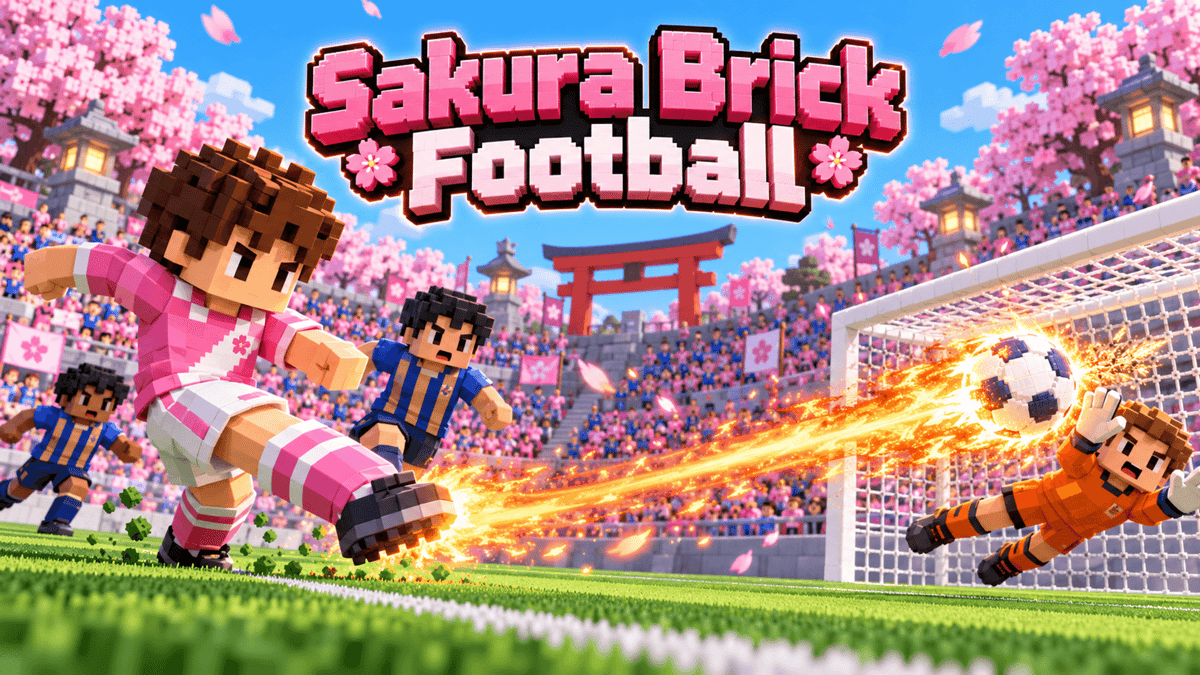
Sakura Brick Football is a fast 5-a-side arcade football game in a cherry-blossom stadium. Pass, tackle and score against the computer or play a short match with friends.
How to play
Tap to pass or shoot and hold for more power. In open play, keep holding shoot with the ball until it catches fire, then release to send it past the keeper. Aim still matters, charging slows you down, a tackle can stop it, and there’s a team cooldown. The computer fills the positions people leave open. Score the most goals in about two and a half minutes. Online players vote for a rematch.
Controls
On a keyboard, use WASD to move, J to pass or switch, K or Space to shoot or tackle, left Shift to sprint, Q to switch. A shared keyboard gives P2 arrows, period or Enter, slash, right Shift and comma for those actions. On a controller, the left stick or D-pad moves, A passes or switches, B shoots or tackles, RT/RB sprint and LB switches. On a phone held sideways, drag the stick, push to the outer ring to sprint, use the smaller button to pass or switch and the larger one to shoot or tackle.
Modes
Solo and same-screen matches for 2–4 players need no account. Sign in to PlayDrop for online play in a party or invite room for 2–4 players total. Choose the same side to team up or opposite sides to compete.
Game text is available in English, French, German, Japanese, Korean, Spanish, Brazilian Portuguese, Indonesian, Traditional Chinese, Simplified Chinese, Italian, Polish, Dutch, Swedish, Norwegian Bokmål, Finnish, Turkish, Thai, Vietnamese and Arabic.
0 plays · Released May 5, 2026 · v2.3.0
How to play
On a keyboard, use WASD to move, J to pass or switch, K or Space to shoot or tackle, left Shift to sprint, Q to switch. A shared keyboard gives P2 arrows, period or Enter, slash, right Shift and comma for those actions. On a controller, the left stick or D-pad moves, A passes or switches, B shoots or tackles, RT/RB sprint and LB switches. On a phone held sideways, drag the stick, push to the outer ring to sprint, use the smaller button to pass or switch and the larger one to shoot or tackle.
With a shared keyboard, P2 can also use numpad 1 to pass, numpad 2 to shoot, numpad 0 or the apostrophe key to sprint and numpad 3 to switch. Both sets of gameplay keys work on an unsplit keyboard. The game reads physical key positions and P1 can remap keys. Alternate controller labels are ×, ○, R2/R1 and L1. Hold the shoot button until it flashes to charge a fireball, then release.
Tags
Make something like this
Use this short prompt as a starting point. It captures the idea, not the original creator's instructions.
Make a cheerful voxel football game in a sakura stadium for solo play against the computer or 2-4 friends on one screen or online, with computer players filling every free position: one-button passing and shooting that always does something useful, and a hold-to-charge fireball shot that bursts through the keeper but can still miss and can be tackled away while charging.