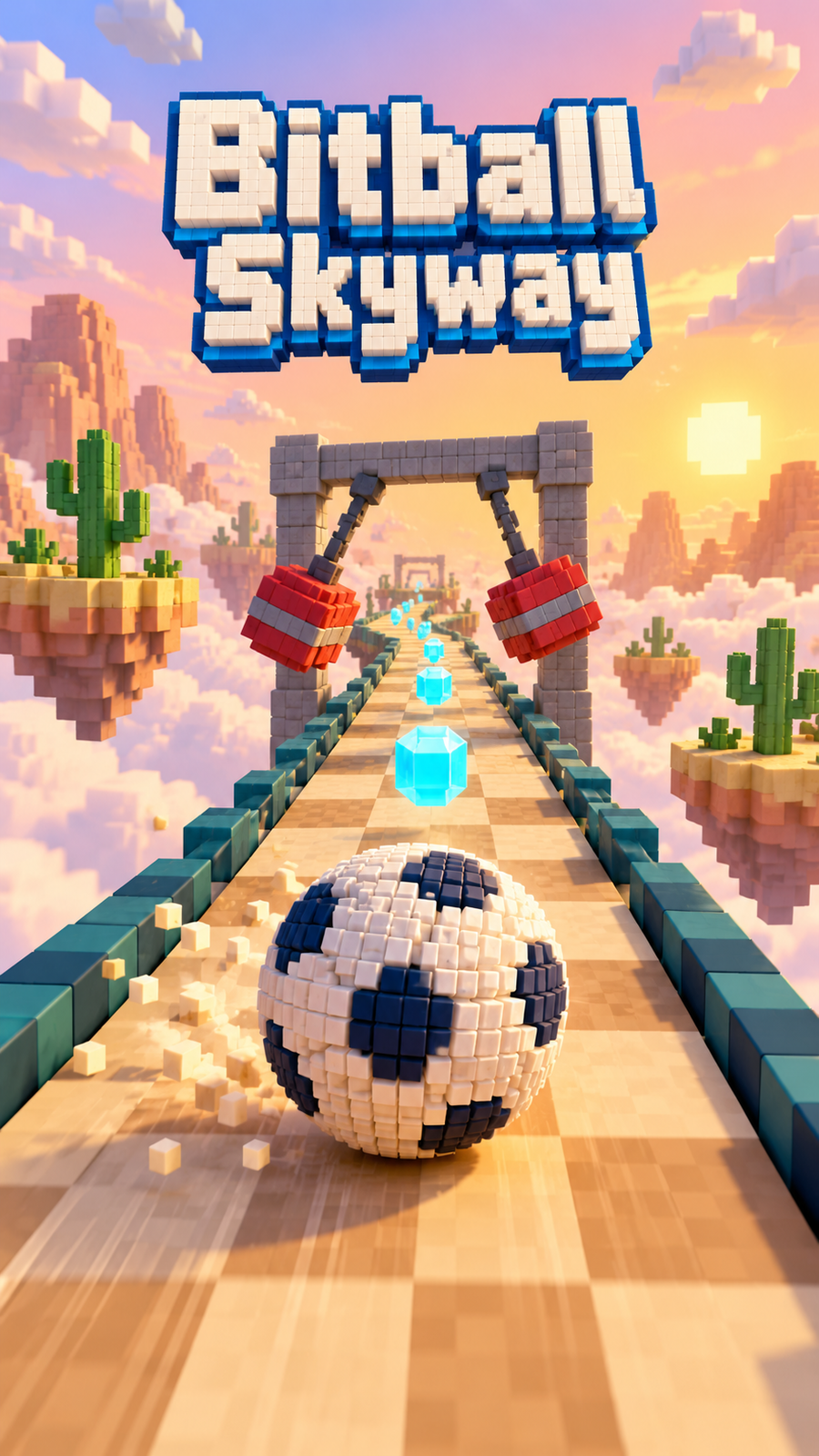
Bitball Skyway
3D rolling ball obstacle course: steer a voxel ball along 110 sky tracks
@ministudioCategory: Arcade gamesBitball Skyway is a 3D rolling ball obstacle course game: steer a round voxel ball along winding tracks high in the sky, get past moving hazards and reach the finish without rolling off the edge.
On touch, hold to roll gently, swipe up to speed up, drag sideways to steer and pull down to brake. On a keyboard, roll with W, Up or Space, steer with A/D or the arrow keys, brake with S or Down, and press R to go back to the last checkpoint; you can also hold the mouse button and drag. With a controller, roll with RT or A, steer with the left stick or D-pad and brake with LT.
The ball carries real momentum and bounces off everything: swinging hammers, spinners, pushers, sliding doors, crusher gates, pistons, bumpers, conveyor belts, moving and crumbling tiles, narrow beams, ramps, jumps and half-pipes. Fall off and you are back at the last checkpoint within seconds.
The campaign has 110 courses across four worlds (Meadow Skies, Sunset Canyon, Candy Clouds and Ember Forge): 20 introductory courses, 80 skill-tour courses and 10 championship routes, then endless remix levels. Each world ends in a set piece, from a boosted sky leap to a crumbling dive into a pipe. Collect gems to unlock seven more voxel balls as you progress, earn ten achievements, climb the leaderboard for highest course cleared and challenge friends when you set a new best.
Play in your browser on phone or desktop; it needs a browser with WebGPU. The game text follows your PlayDrop language.
Touch: touch to roll gently, swipe up to accelerate, sideways to steer, down to brake. Keyboard: W/Up or Space to roll, A/D or Left/Right to steer (tap for small nudges), S/Down to brake, R to return to the last checkpoint, B for the ball shop; or hold the mouse button and drag. Controller: RT or A to roll, left stick or D-pad to steer, LT to brake.