
Desktop, Mobile landscape
About Team Sweeper
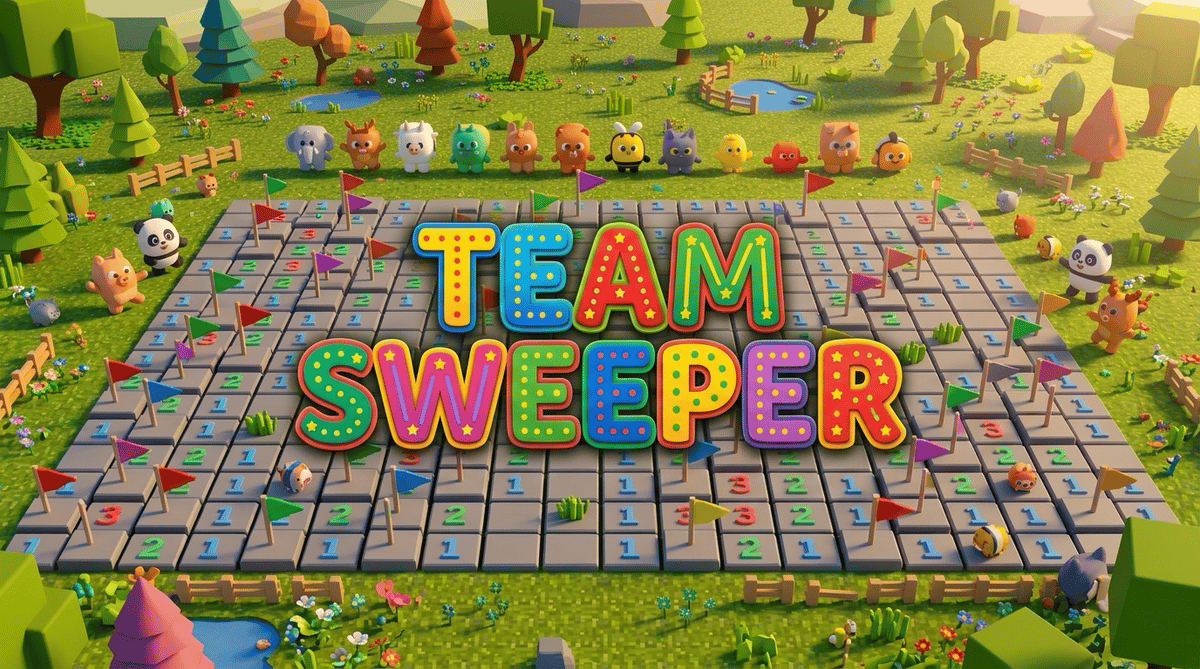
Team Sweeper turns Minesweeper into a 3D voxel puzzle. Dig safe tiles, use numbers to locate nearby mines, and clear the field on your own or on a shared board. After a win, animals come out to celebrate.
How to play
Each number counts the mines in the surrounding tiles, including diagonals. Flag suspected mines and uncover every safe tile. In solo and local play, a mine ends the round. Online, you return after 10 seconds and each grave adds 10 seconds to the team’s clear time.
Controls
Desktop mouse: left-click to dig, right-click to toggle a flag, left-drag to orbit and scroll to zoom. Keyboard: arrows or WASD move, Enter or Space digs, F flags, Q/E orbit left/right, Z/X tilt the camera, the minus and equals keys zoom, C resets the camera and R restarts.
Phone in landscape: tap to dig, hold then release to flag, drag with one finger to orbit and pinch to zoom. Use the on-screen buttons for a top view, restart or help.
PlayDrop controller: left stick or D-pad moves, the bottom face button digs or restarts a finished round, either side face button flags and the top one resets the camera. Right stick orbits, triggers zoom and Select restarts.
Modes
Play solo or share a local board as a guest. For local co-op, set up 2–4 players from the PlayDrop host menu on one screen. Players after the first use controllers. Sign in to PlayDrop to join an online co-op room of up to eight players.
Game text is available in English, French, German, Spanish, Brazilian Portuguese, Indonesian, Japanese, Korean, Simplified Chinese and Traditional Chinese.
0 plays · Released April 5, 2026 · v1.4.0
Tags