PlayDrop logoPlayDrop Studio
CreatePlayTradeEarnLearnConnectorsAssetsCommunitySupport
PlayDrop logoPlayDrop Studio
CreatePlayTradeEarnLearnConnectorsAssetsCommunitySupport
Sign in
Grok Chat
Documentation

Start here

OverviewYour first gamePlayDrop gamesAI game makers comparedFAQ

Create with Cloud

Cloud creationPlans & generations

Connect your AI app

All connectorsClaudeChatGPTClaude CodeCodexCursorGeminiAntigravityGrok BuildGrok BotGrok ChatLovableReplit

Publish and share

Publish from your AI appShare a ChatGPT gameShare a Claude gamePublish a browser gameSimple HTML gamesPackaging and .playPublish & importGame filesVisibility and reachListing art and videoGenres and tagsLocalizationInstant games

Game experience

Loading, pause and audioFull screen and safe areasCloud savesLocal parties and controllers

Play together

Sharing, friends and invitesLeaderboardsAchievementsOnline parties and voiceRealtime game servers

Earn

MonetizationCredits & rewards

Assets

Game assetsAI asset generationCustom formats and player creations

Reference

Client SDKServer SDKcatalogue.jsonErrors and recoveryTroubleshooting
DocumentationPlayDrop ConnectorGrok Chat

PlayDrop Connector

Make and publish games with Grok (PlayDrop MCP connector)

Add PlayDrop to Grok chat as a custom connector, then ask Grok to make a game and publish it. You get a link anyone can play.

All appsClaudeChatGPTClaude CodeCodexCursorGeminiAntigravityGrok BuildGrok BotGrok ChatLovableReplit
Grok Chat
PlayDrop ConnectorMCP connector
PlayDrop
1

Connect PlayDrop

In Grok, open Plugins → Connectors → New Connector → Custom. Paste the link below, choose Add Connector and sign in to PlayDrop in the window that opens. On Business and Enterprise plans, an administrator adds custom connectors first.

PlayDrop link (MCP)
https://mcp.playdrop.ai/mcp
2

Make your first game

In a chat with PlayDrop on, ask: “Make a small game that works on phones, publish it on PlayDrop and give me the link.” Grok publishes it and replies with its link. To update it, ask in the same chat: the game keeps its link.

If something goes wrong

These steps are for Grok chat. Grok Build and Grok Bot are separate apps with their own guides. If your sign-in expires, connect again.

Grok’s connector help · All AI apps

Real games on PlayDrop

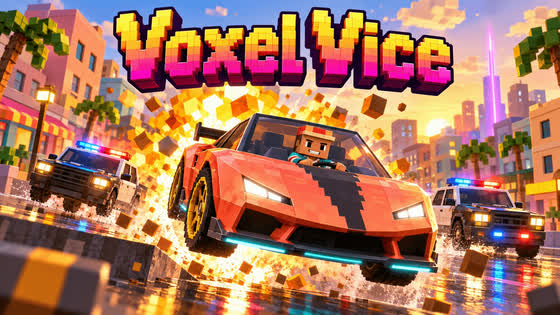
  • Voxel Vice@olivier
  • Prompt Pursuit@olivier
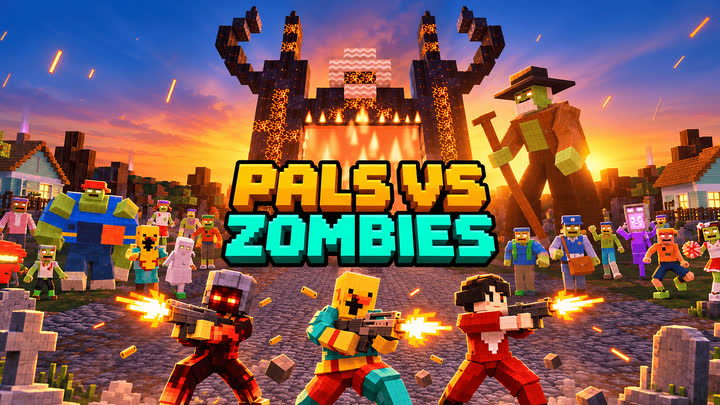
  • Pals vs Zombies@olivier
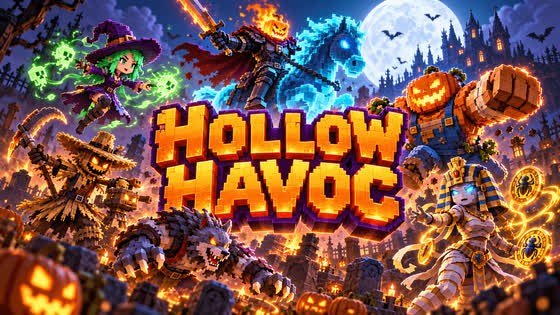
  • Hollow Havoc@mnouz
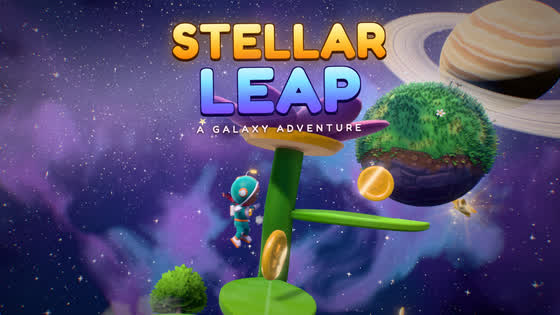
  • Stellar Leap@mnouz
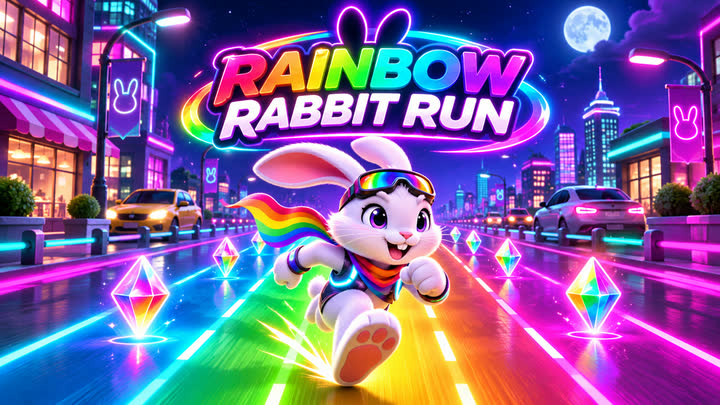
  • Rainbow Rabbit Run@newagekid52

Make games people want to play.

Create a gameConnect your AI app
PreviousMake and publish games with Grok Bot (PlayDrop MCP connector)NextMake and publish games with Lovable (PlayDrop MCP connector)
View Markdown
EnglishFrançaisDeutsch日本語한국어EspañolPortuguês (Brasil)Bahasa Indonesia繁體中文简体中文ItalianoPolskiNederlandsSvenskaNorsk bokmålSuomiTürkçeไทยTiếng Việtالعربية

On this page

Connect PlayDropMake your first gameIf something goes wrong
View Markdown