How to share a game you made with ChatGPT (free link for phones)
ChatGPT can build a game in the chat. Publish it on PlayDrop from the same conversation and send friends a link that plays on any phone or computer.
Real games made with ChatGPT
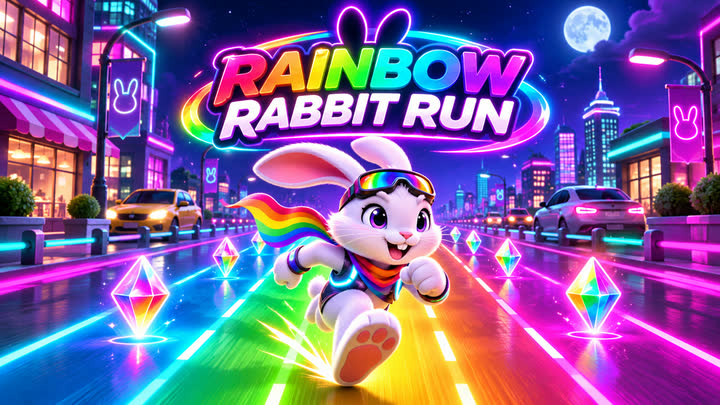


ChatGPT can build a small game right in the conversation. To send it to friends as a game of its own, with a link that opens on any phone or computer, publish it on PlayDrop from the same chat. Publishing this way is free.
Publish from the chat
- Open PlayDrop in ChatGPT and choose Install. Sign in to PlayDrop when asked (the account is free) and allow access.
- Go back to the chat with your game and say:
Publish this game on PlayDrop and give me the link.- ChatGPT uploads the game and replies with its link. Send it to anyone.
The link opens the game in a browser and in the PlayDrop apps for iOS, Android, Windows and macOS. Publishing from ChatGPT uses no PlayDrop credits, and the free Basic plan holds 10 games and 1 GB.
Choose who can play
- Only people with the link: say "publish it as unlisted".
- Just you, to test first: say "upload it privately", then "publish that version" when you are happy with it.
- Everyone: a public game is listed on PlayDrop and can be found in search.
- Friends without an account: say "let guests play without signing in".
Read more in who can play.
Change it later
Ask in the same chat, for example "make the player faster and update the game on PlayDrop". The game keeps its link, so the friends you already sent it to get the new version.
No game yet?
Ask ChatGPT for one and publish it in the same request:
Make me a small arcade game that works on phones, then publish it on PlayDrop and give me the link.Other ways to put a game online
If you would rather manage hosting yourself, itch.io, Netlify Drop and GitHub Pages all accept an HTML game: download the file, upload it there, and repeat for every change. PlayDrop publishes from inside the chat and adds a game page, saved progress, leaderboards and its own apps. See how the options compare.